Photo frame, weather, markets and more

Now every screen can show something beautiful.

Inklyng lets you use any device as a display.

iPad, Apple TV, TV, Computer Monitor, even the old tablet in the drawer.

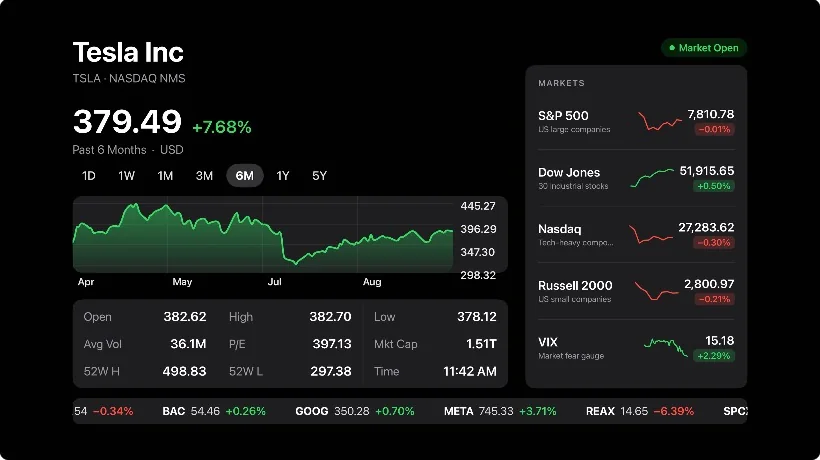
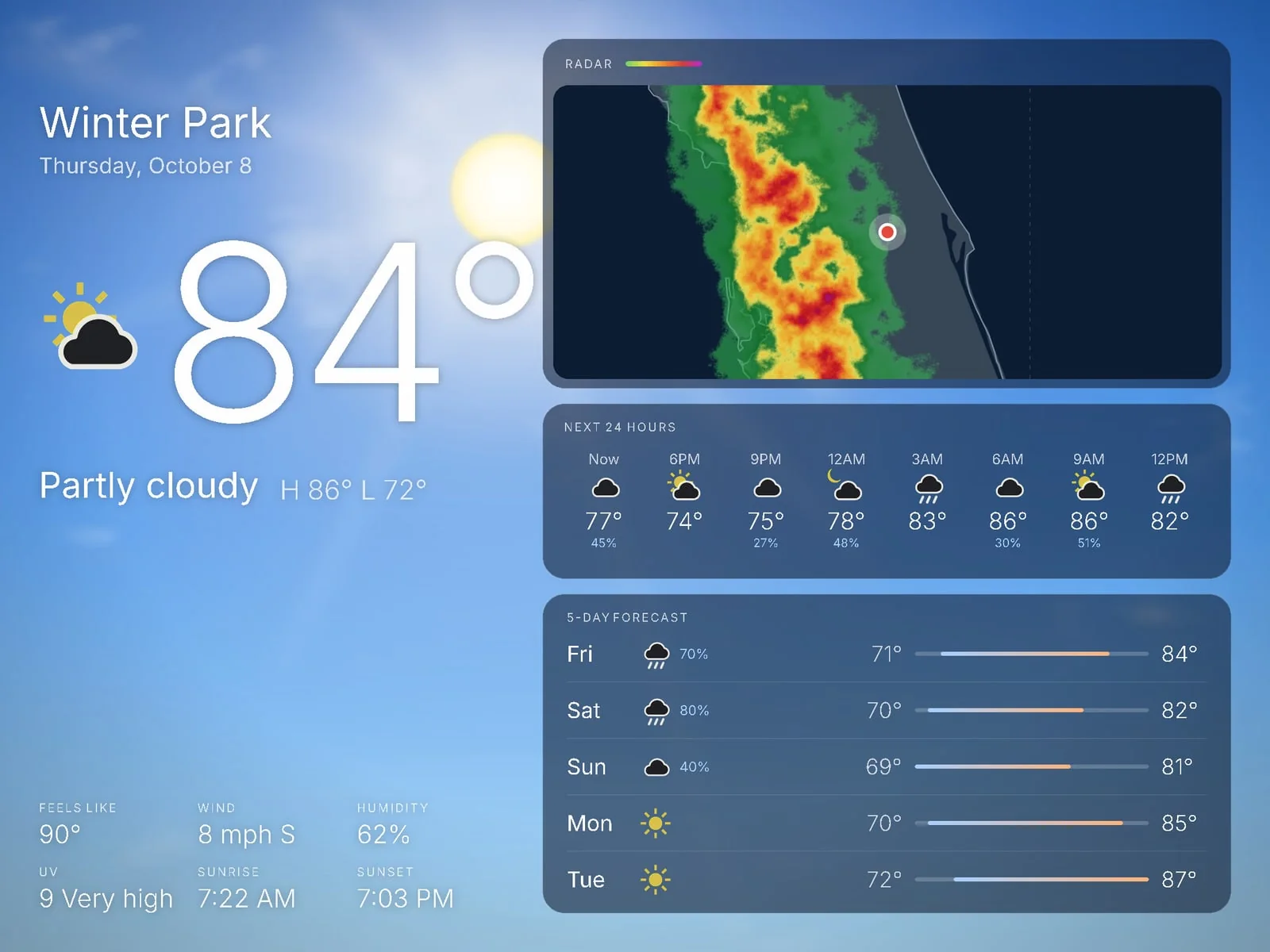
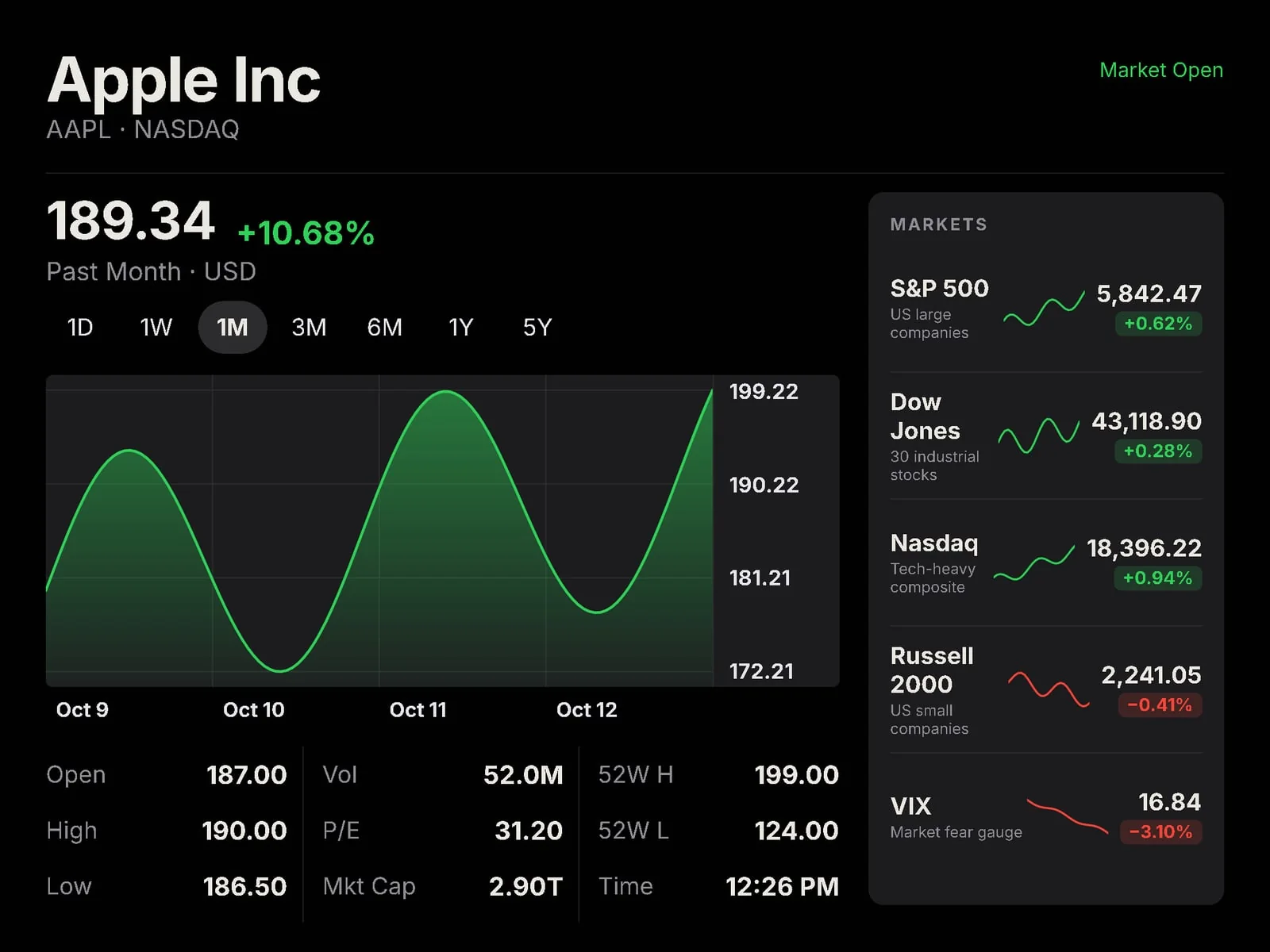
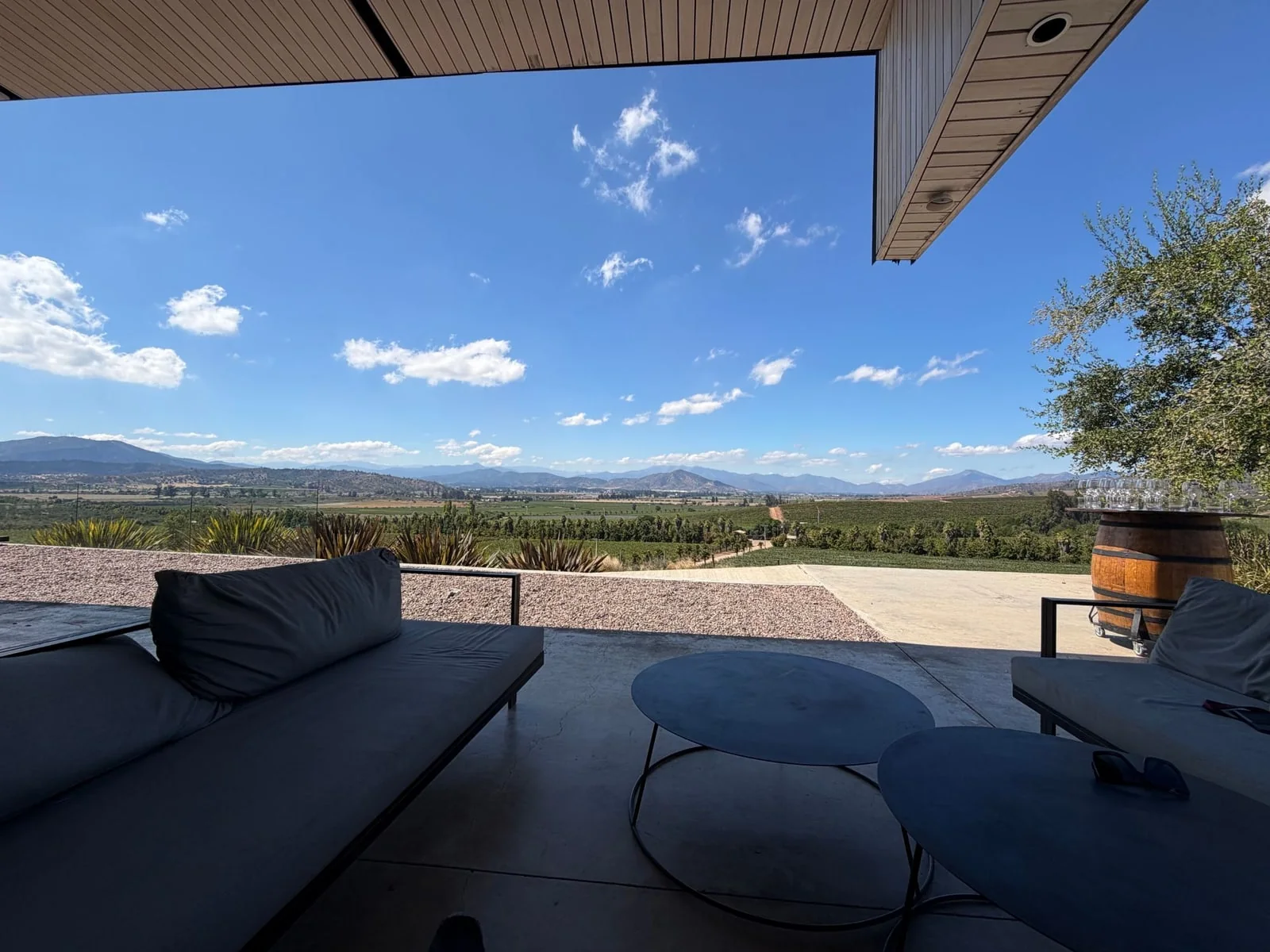
The Inklyng screens (weather, stocks, photos, the Earth and text) taking turns on a TV with an Apple TV
Apple TV
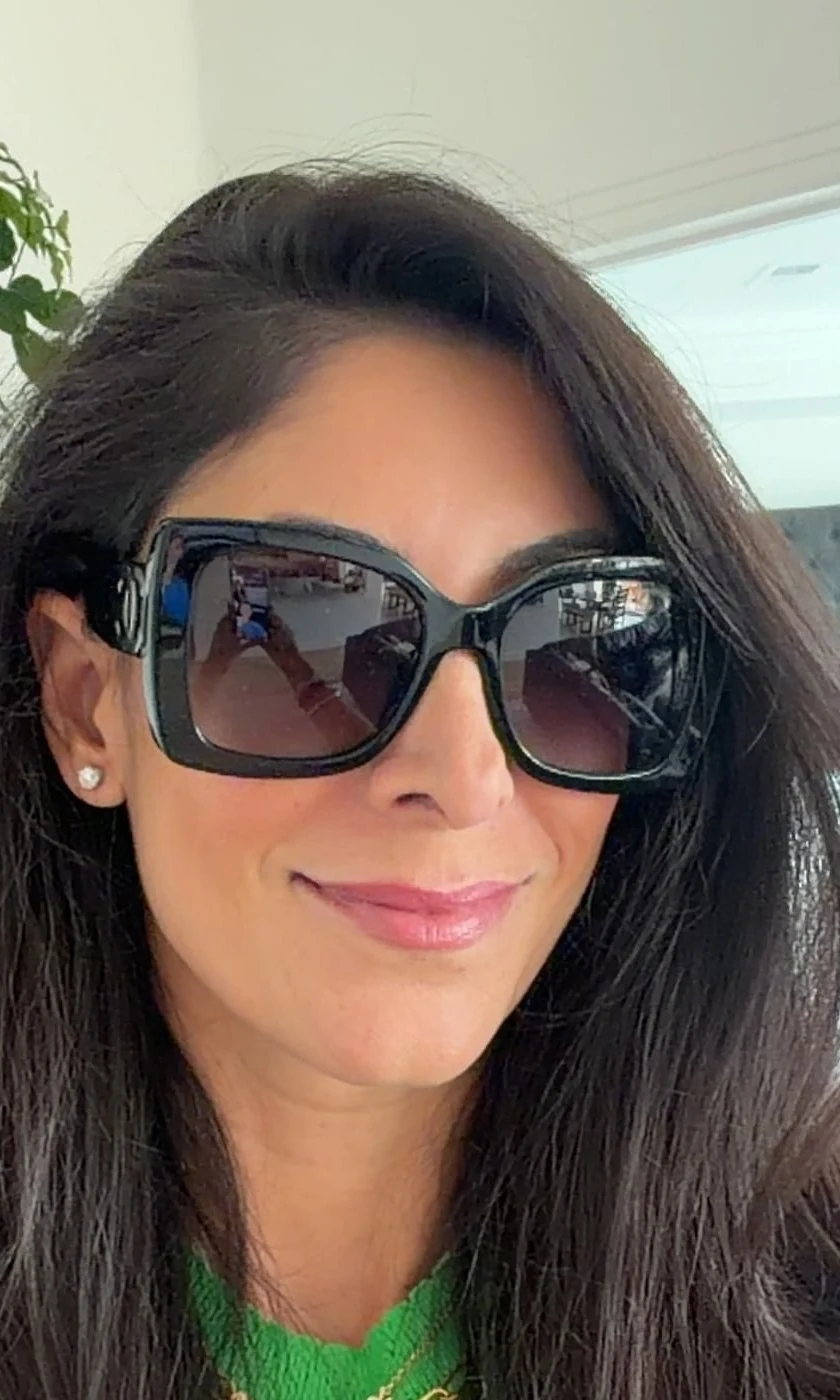
A photo frame showing a portrait
An iPad taking turns showing the weather, stocks, a photo, the Earth and text

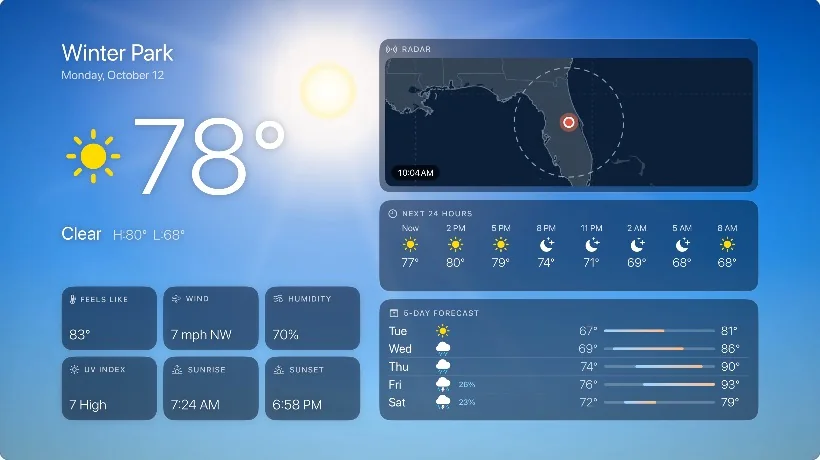
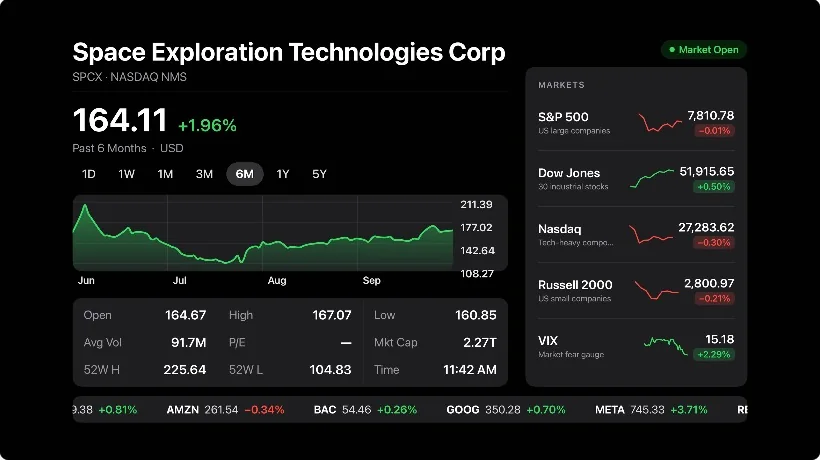
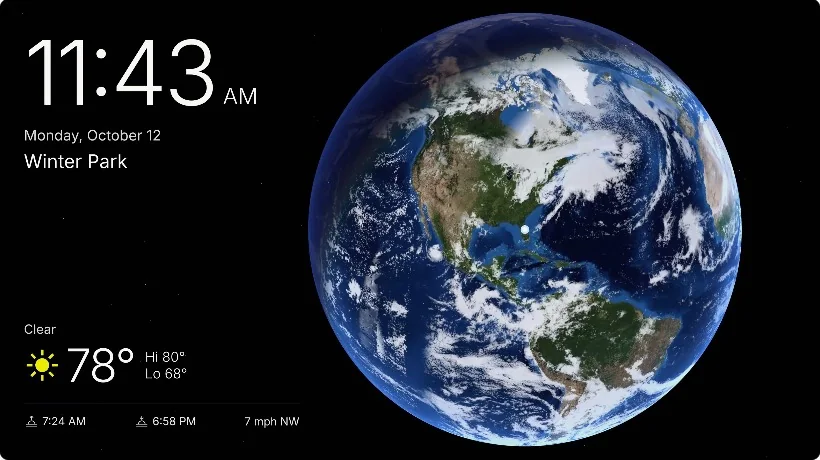
Pick the screens you want (photos, stocks, weather or the Earth) and Inklyng rotates through them.

Set up in about two minutes. No special hardware needed to try it.

What is Inklyng?

Inklyng is an app and web service that turns a screen you already own into a calm, always-on display. Use an old iPad (with the free Inklyng app from the Apple App Store), an Apple TV, a smart TV or a computer monitor as a digital photo frame, a weather station, a stock ticker, a view of the Earth or a split-flap message board. Pick the screens you want and Inklyng rotates through them all day.

Photo frame

Turn any screen into a photo frame.

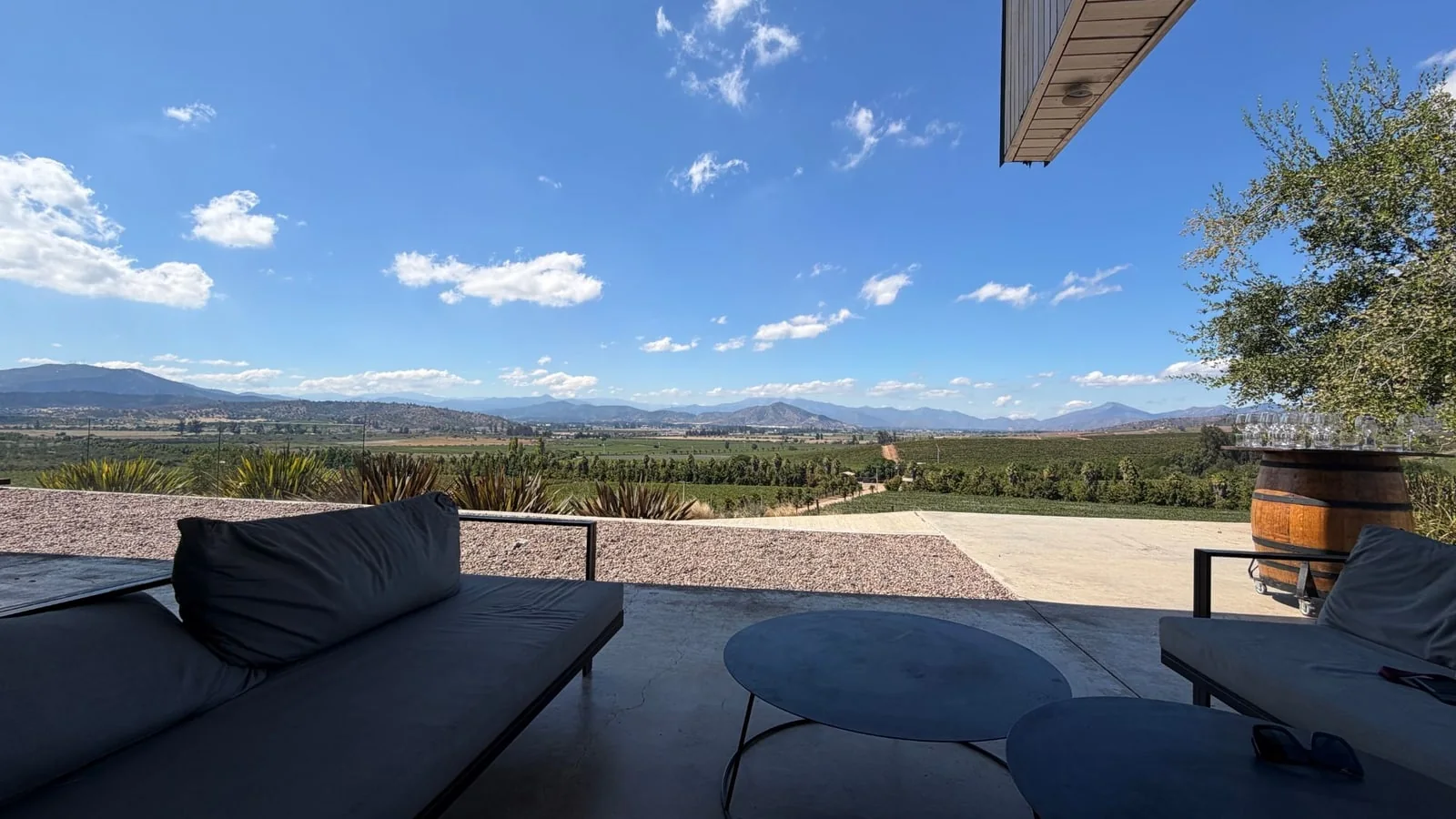
Show your favorite photos on an old iPad, an Apple TV or a TV. Inklyng crops every photo for the screen it is on.

  • Add photos from your phone or computer, as many as you like
  • Crop and frame each one for portrait or landscape
  • Shuffle or show in order, as often as you choose
  • Mix photos with weather, the Earth and messages in one playlist
Start your photo frame
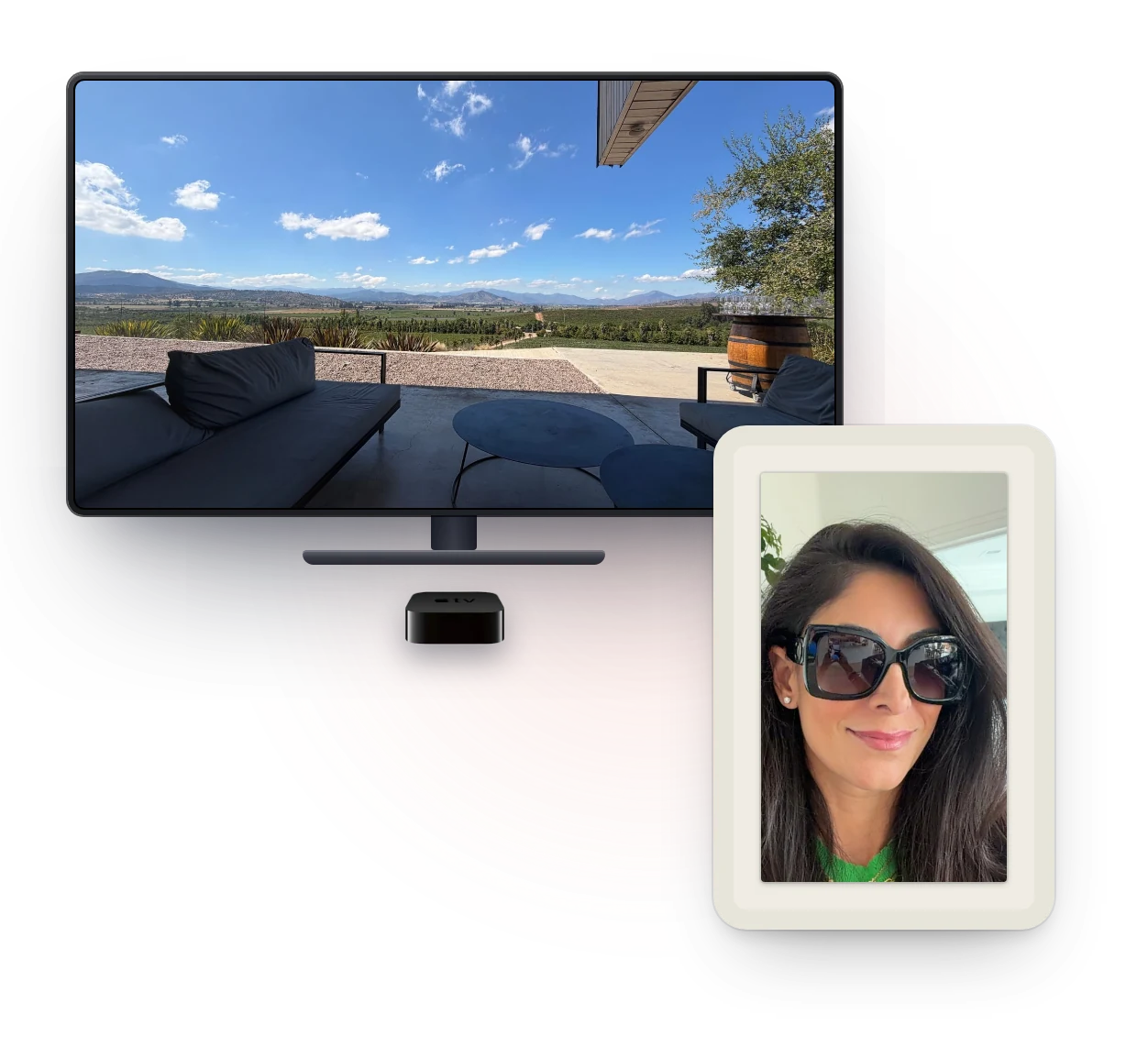
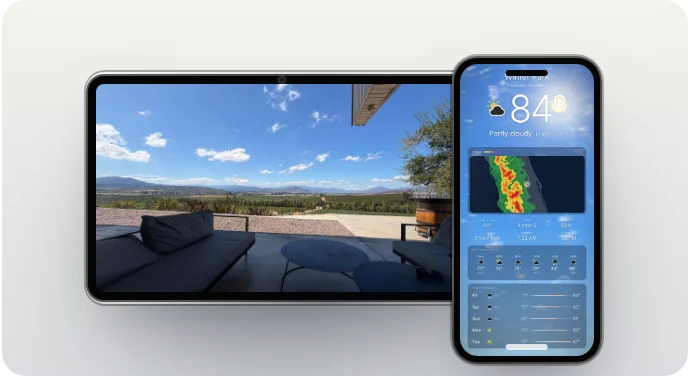
A TV showing a landscape photo next to a photo frame showing a portrait
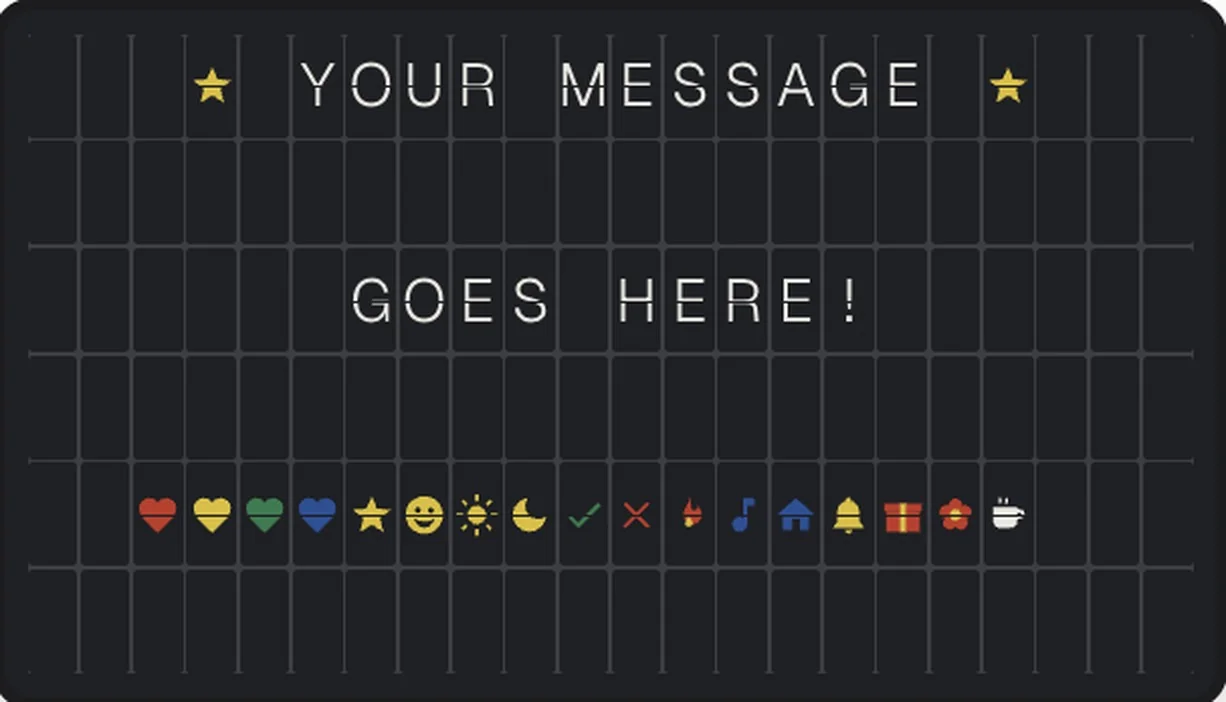
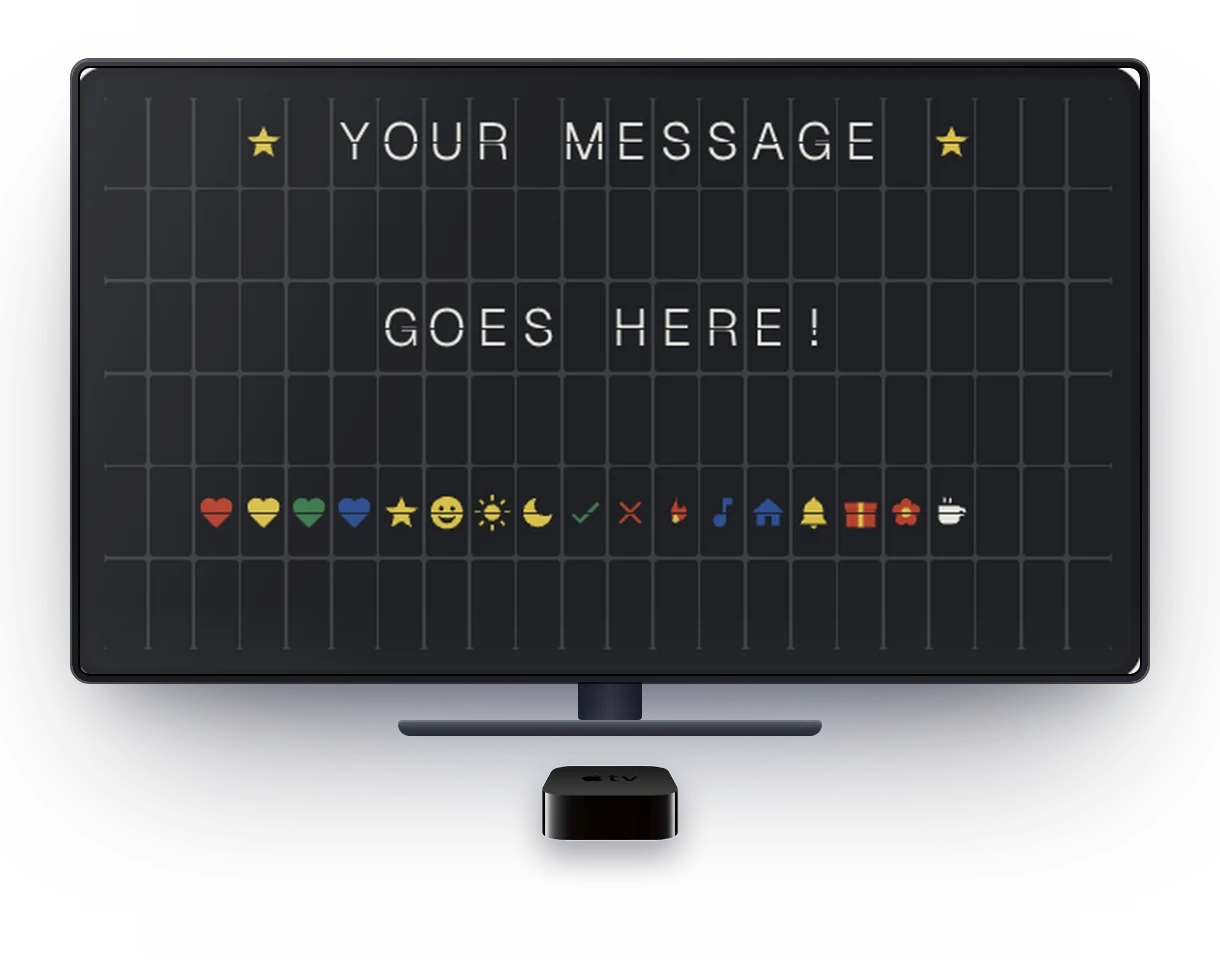
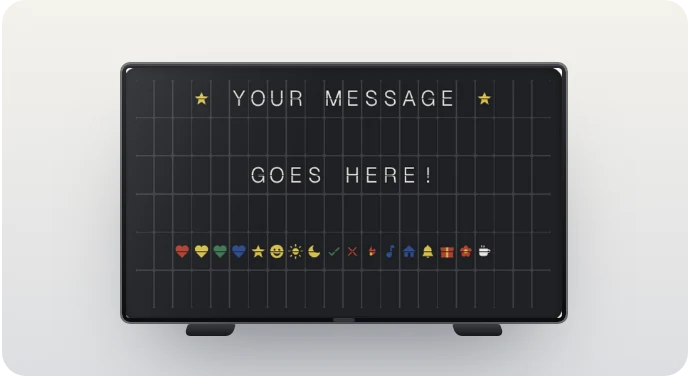
A TV showing a split-flap message board that reads: Your message goes here

Message board

A split-flap board on your screen.

The Message board is a split-flap emulator. Type a note and every letter flips into place on a board of tiles, like the departure boards in old train stations and airports. Not sure how to say it? Ask for three rewordings, or save it to send again.

  • Letters flip into place like a real split-flap display
  • Add emoji and choose colors
  • Schedule a message for later
  • Mix messages with weather, the Earth and photos in one playlist
Start a message board

Works with

One app, every screen, drawn perfectly for each.

Pick your display and Inklyng draws everything for its exact size, shape and colors. No settings to fiddle with.

iPad and iPhone

iPad and iPhone

Download the free Inklyng app from the Apple App Store. It runs natively on every iPad with iPadOS 17 or later. Lock it to Inklyng with Guided Access.

  • A native iPad app, free on the App Store
  • Fills the whole screen, any orientation
  • Follows light and dark mode
Add an iPad
Apple TV

Apple TV

The Inklyng app for Apple TV fills the whole screen, sharp on 4K sets up to the biggest you can hang on a wall. Pair it with a six-character code.

  • Made for the big screen
  • Uses your TV's own name
  • Always landscape, always full screen
Add an Apple TV
Computer monitors

Computer monitors

Any monitor with an HDMI port can become a display. Plug in any device that can open a web page and it is ready.

  • Any HDMI-compatible monitor
  • No app to install
Add a monitor
TVs and any browser

TVs and any browser

Smart TVs, streaming sticks, old laptops. Open a link and type in a six-character code and it just works.

  • No app to install
  • Email a link straight to the screen
Add a TV
✦

Ask our AI how to support your screen

Tell us what you have and we'll explain how to get it working with Inklyng.

Playlists

One display. Everything you care about.

You do not have to choose just one screen. Add as many as you like and your display moves through them on its own.

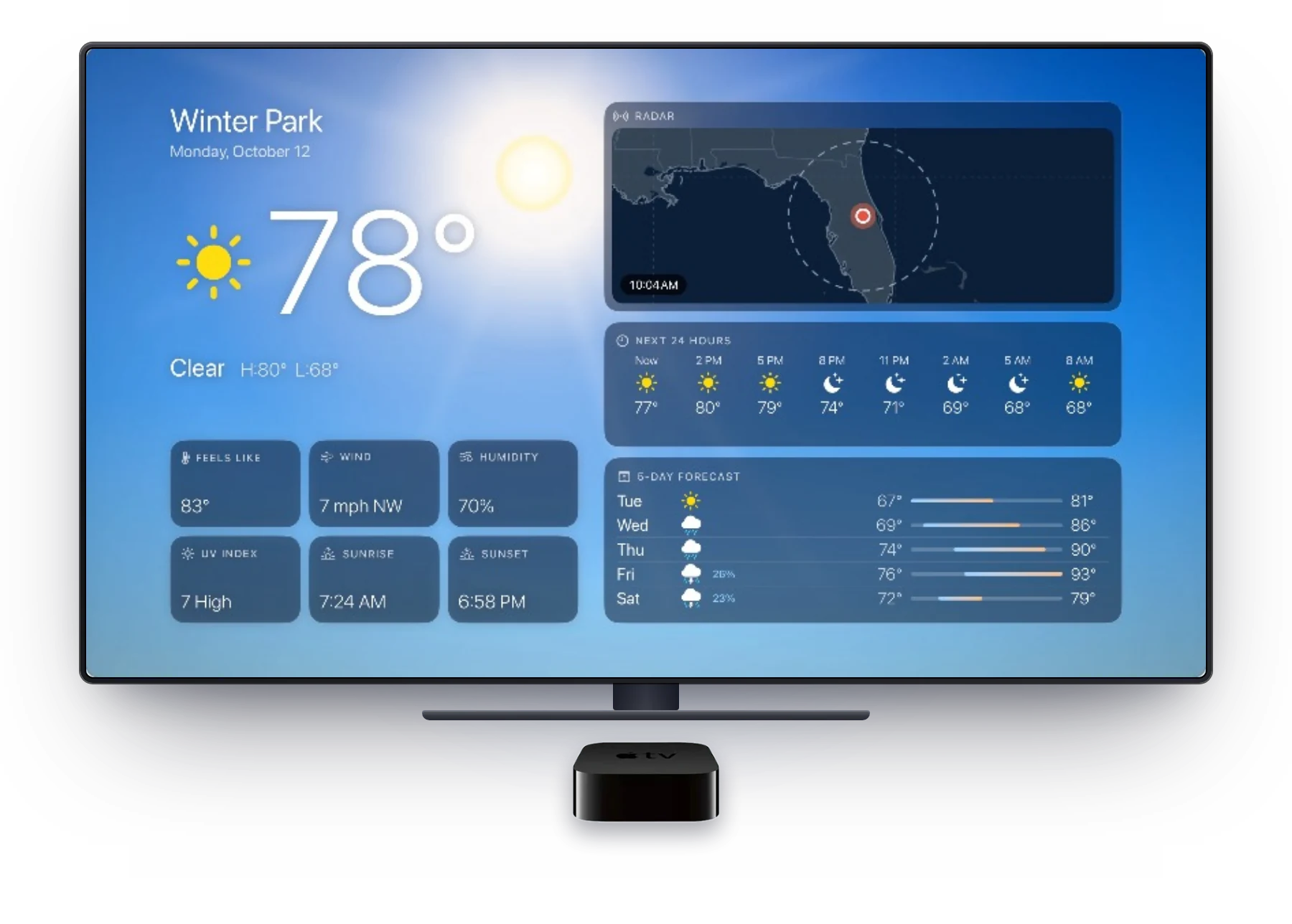
An Apple TV showing a weather screen with radar and a forecast

Showing now: Weather Next: Stocks

WeatherStocksPhoto FrameEarth viewTextMessage board↻ then around again
1

Choose your screens

Weather, stocks, photos, the Earth, messages or your own text.

2

Choose how often they change

Every few minutes, or every fifteen. Your display, your pace.

3

That is it

Your display shows each one in turn, all day, with nothing to touch.

How it works

From the box to the wall in minutes.

1

Choose your display

Tell us what you have: an Apple TV, an iPad or a web browser. We show exactly what to do next.

2

Connect it

A link, a QR code or a six-character code.

3

Choose what it shows

Pick screens, set how long each stays, and Inklyng keeps the playlist turning. Change it from your phone any time.

Playlists

One display, many screens.

Each display has its own playlist. Rotate through weather, the Earth and your photos, or hold one screen all day.

Weather that looks outside for you

A sky and skyline that match the real conditions, hourly and weekly forecasts, and a twelve-hour radar loop.

Earth view

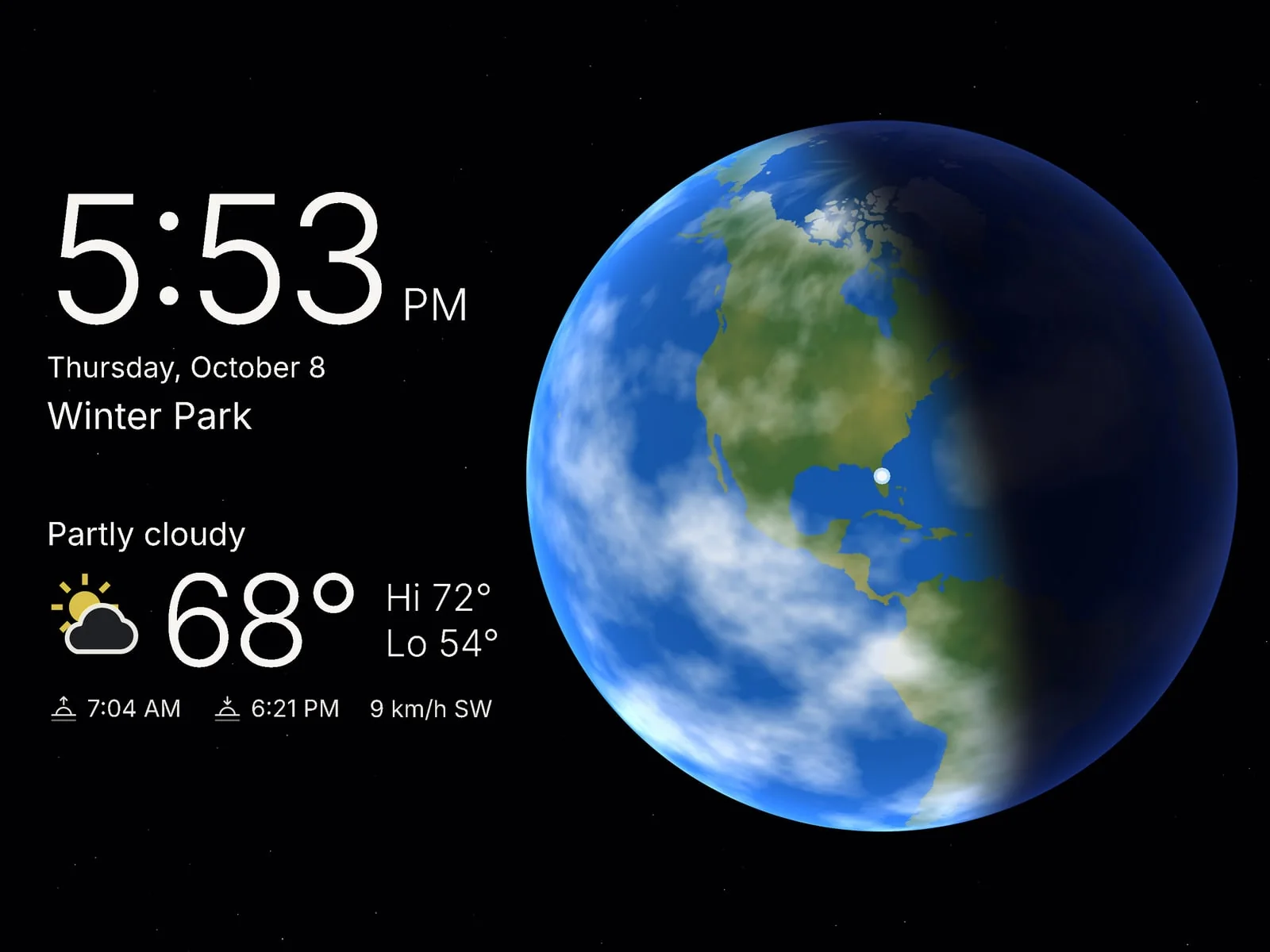
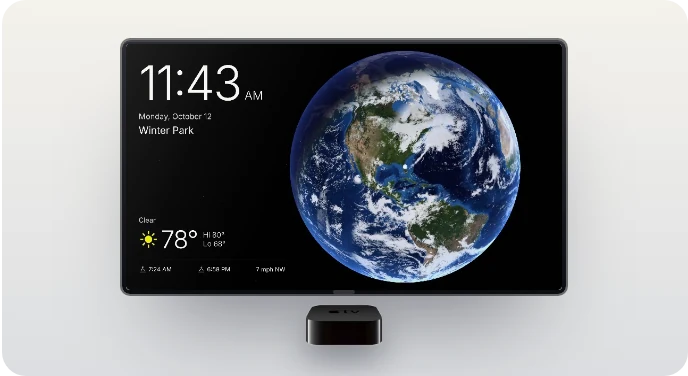
A lit globe with the sun's true position, turned to your city, with the time and weather beneath it.

Markets in view

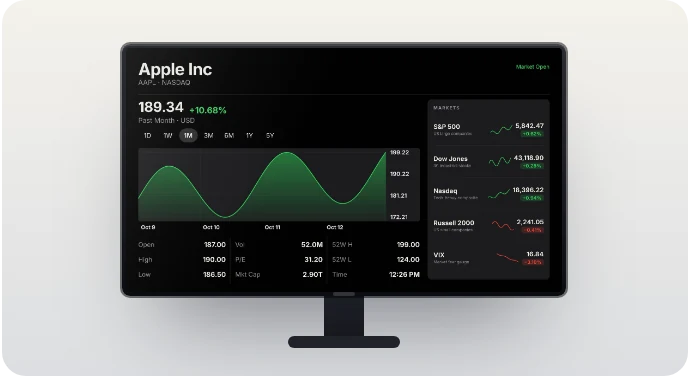
Clean price charts for the tickers you follow, and a live scrolling ticker on any color screen.

A photo frame, done properly

Crop each photo for portrait or landscape.

Messages with a voice

Write a note, or say what you mean and choose from three rewordings. Save the ones you love.

Message board

A split-flap emulator. Every letter flips into place on a board of tiles, with emoji, colors and schedules.

Pricing

Your first month is free. Then pick a plan.

Starter

One display, the first month free

$25 a year

or $3 a month · save 31% yearly

  • 1 display
  • Up to 5 photos
  • Screens change every 5 minutes or slower
  • 3 AI credits to try
  • AI pictures up to 1K
  • Keep up to 5 saved AI pictures

Plus

For a home: a few displays

$50 a year

or $6 a month · save 31% yearly

  • 3 displays
  • Up to 50 photos
  • Screens change every 2 minutes or slower
  • 10 AI credits a month
  • AI pictures up to 2K
  • Keep up to 20 saved AI pictures

Premium

For the whole house

$80 a year

or $10 a month · save 33% yearly

  • 6 displays
  • Up to 100 photos
  • Screens change every 1 minute or slower
  • 15 AI credits a month
  • AI pictures up to 4K
  • Keep up to 40 saved AI pictures

Every account starts with a 30-day free month, no card needed, with Starter allowances. Premium can add more displays for $2 a month each. Buying a plan opens soon.

Questions

Good to know first.

What is Inklyng?

Inklyng is an app and web service that turns a screen you already own into a calm, always-on display: a digital photo frame, a weather station, a stock ticker, a view of the Earth or a split-flap message board.

Is there an Inklyng app for iPad?

Yes. The free Inklyng app runs natively on iPad and fills the whole screen in any orientation.

Is there an app for Apple TV?

Yes. The Inklyng app for Apple TV fills the whole screen, sharp on 4K sets.

Can I use an old iPad or TV as a digital photo frame?

Yes. Add your photos, crop each one for portrait or landscape, and Inklyng shows them on the screen you choose.

Which devices does Inklyng work with?

iPad and iPhone, Apple TV, computer monitors, and any smart TV or device with a modern web browser.

How do I set up a display?

Choose your display, connect it with a link, a QR code or a six-character code, then choose what it shows.

What can Inklyng show?

Weather with radar, the Earth, stocks, photos, your own text and a split-flap message board, rotating on a playlist.

What is the message board?

A split-flap emulator. Type a note and every letter flips into place on a board of tiles, with emoji, colors and schedules.

Does Inklyng cost anything?

Your first month is free, with no card needed. After that, plans start at $3 a month or $25 a year. See pricing.

Can I show more than one thing on a display?

Yes. Each display has its own playlist and rotates through the screens you pick.

Can I keep an iPad on Inklyng all day?

Yes. Lock the iPad to Inklyng with Guided Access and it stays on all day.

Does Inklyng sell my photos or messages?

No. Your photos and messages are yours.

See all questions, or visit the support page.

Put something beautiful on the wall.

Start with the screen you have. Add more whenever you like.